Access to communication is essential for maintaining relationships, participating in meetings, making phone calls, and engaging with the community.

Live Captions (iOS)
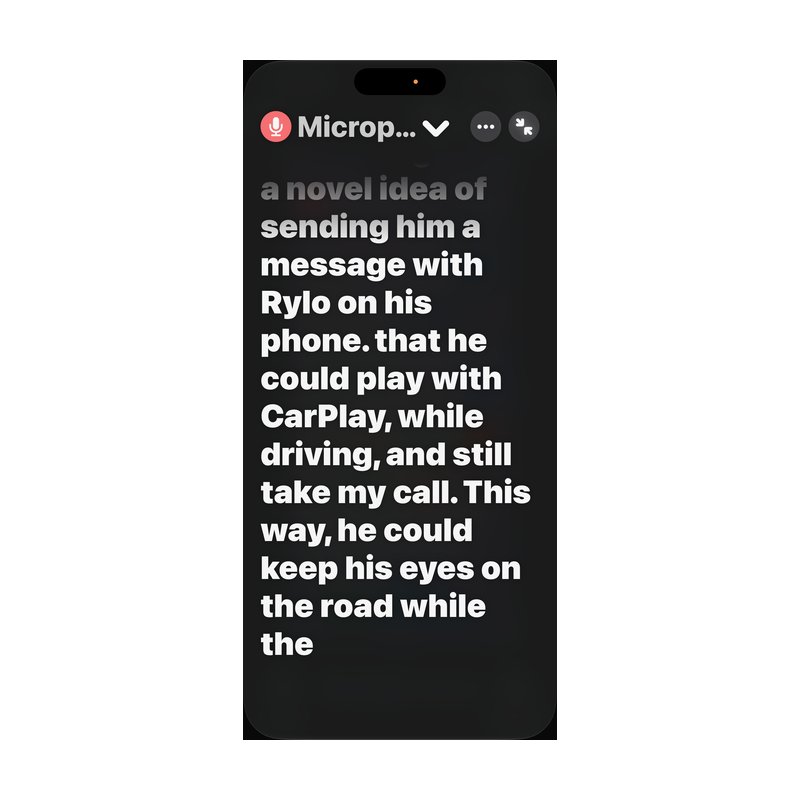
Overview: A built-in iOS feature that provides real-time transcription of spoken audio, whether from an app such as YouTube or a live FaceTime call. Like other iOS accessibility features, it can be added as a shortcut button for quick access. The live transcription can be scrolled, paused, and copied at any time. Calls made through the Phone app can be recorded with captions available to review afterward, with transcripts kept for one minute or one hour, which is helpful when navigating a phone tree for a business or service.

Read Apple Support guidance on using Live Captions on iPhone

Otter.ai

Otter.ai app icon, a blue soundwave-style logo on a white rounded square.

Overview: Captures sound and transcribes it into text. Along with a full transcript of a conversation, the app provides a summary, speaker identification, and a helpful outline to review later.

View Otter.ai on the App Store

VoicePen

VoicePen app icon, a white microphone on a blue rounded square with a yellow border.

Overview: A notetaking app that uses AI to summarize recordings. VoicePen records up to three minutes and provides a summary rather than a word-for-word transcript, which makes it useful for capturing details on the go. Optional subscriptions unlock additional features. VoicePen requires spoken input and does not support written notes, so it may not fit users who do not use their voice for communication.

View VoicePen on the App Store

Rylo (formerly Nagish)

Rylo app icon, a white telephone handset on an orange rounded square.

Overview: Captions and transcribes incoming and outgoing calls. While iOS now includes built-in call captions, Rylo offers further customization and operates as a true relay service powered by AI. Options include choosing a voice tone for typed replies, adjusting text size, light or dark themes, and sharing full call transcripts with others. Incoming calls can be forwarded to Rylo so that every call is captioned. The service offers extensive online support, including video tutorials and articles, and is completely free for those who qualify.

View Rylo on the App Store

ClearCaptions

ClearCaptions app icon, a white telephone handset above the letters C C on a blue rounded square.

Overview: A captioning app that turns voice calls into text. Users are assigned a personal phone number and can begin making captioned calls right away. Caption text size can be adjusted to appear smaller or larger on screen, and incoming calls can be forwarded to the app so every call is captioned. An account is required to confirm eligibility and use the service.

View ClearCaptions on the App Store